Connect a custom webhook
For anything that can POST JSON: your own bridge, a broker API script, or a platform TradeMirror does not support yet. You decide what is sent, so the record is exactly as complete as your script.
About 15 minutes, once.
What gets recorded
- + Any event you send: opens, closes, partial closes, size increases, stop and target changes
- + Your own timestamps and prices, stored verbatim before they are interpreted
What it cannot see
- – Anything your script does not send — if you only post fills, the behavioural analysis has nothing to work with
Step by step
0 of 6 done
1.Add the account and copy the URL
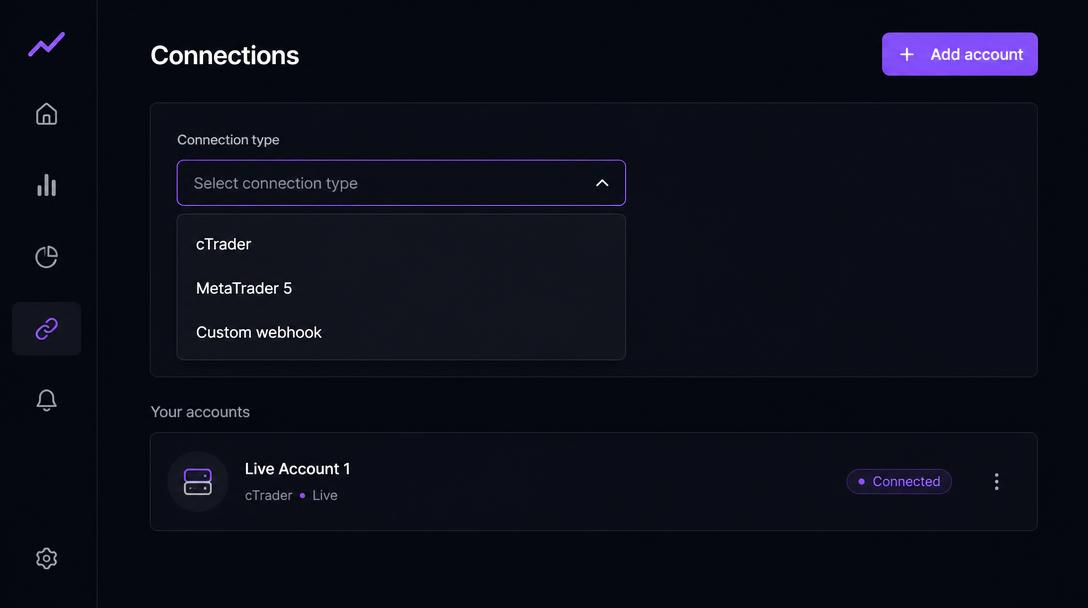
Connections → Add account → Custom webhook. The setup panel shows a URL containing this account's ingest token. Treat it like a password.
Your ingest URL
https://trademirror.pro/api/public/ingest/YOUR_TOKENWorked if: The URL ends with a long token that is unique to this account.
2.Send one test payload
Before wiring your bridge, paste this into a terminal to prove the URL works end to end. It records one opened position on a test trade.
curl -X POST https://trademirror.pro/api/public/ingest/YOUR_TOKEN \
  -H "Content-Type: application/json" \
  -d '{
    "trade_id": "SETUP-TEST-1",
    "symbol": "EURUSD",
    "direction": "long",
    "events": [
      { "type": "position_opened", "event_id": "setup-test-1", "seq": 1,
        "time": "2026-01-14T09:31:04Z", "price": 1.0850, "size": 1 }
    ]
  }'
Worked if: The connection check below reports one event recorded.
3.POST one payload per decision
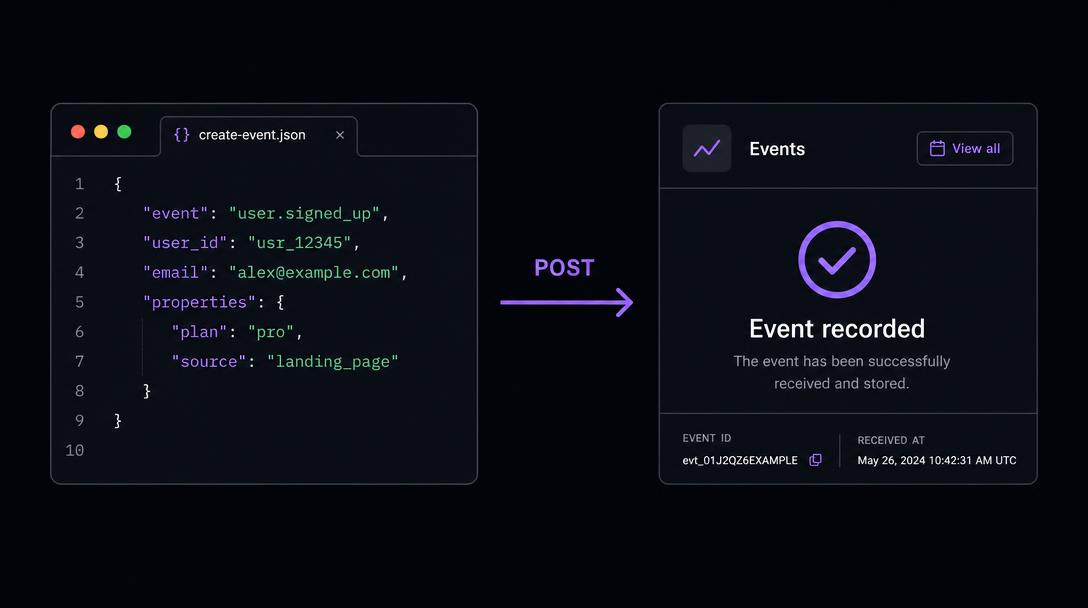
Send a JSON body with the trade identity, the plan if you know it, and an events array. Send it when the decision happens, not in a nightly batch.
POST https://trademirror.pro/api/public/ingest/YOUR_TOKEN { "trade_id": "EURUSD-2941", "symbol": "EURUSD", "direction": "long", "plan": { "entry": 1.0850, "stop": 1.0820, "target": 1.0930, "size": 1 }, "events": [ { "type": "stop_modified", "event_id": "2941-stop-3", "seq": 3, "time": "2026-01-14T09:41:22Z", "price": 1.0871, "level": 1.0850, "size": 1, "detail": "Stop moved to entry" } ] }4.Send the management events, not just the fills
The event types that matter are position_opened, stop_added, stop_modified, stop_removed, target_added, target_modified, target_removed, partial_close, position_increased and position_closed. Without the middle of that list there is no behaviour to review.
Worked if: The connection check below reports management events, not only fills.
5.Make re-sends safe
Include event_id (unique per event) and seq (increasing). A repeated event_id is ignored, and a missing seq number tells the app events were lost so it can label the gap.
6.Send a heartbeat
Post a heartbeat every 30 seconds so the app can show when your script was last connected.
{ "type": "heartbeat", "time": "2026-01-14T09:41:52Z" }Worked if: The connection check below shows a heartbeat within the last minute.
Test this connection
Sign in and open this walkthrough from an account on the Connections page to watch data arrive in real time.
What a recorded trade looks like
Once the connection is live, a managed trade arrives as a sequence like this. The middle two rows are the point of the platform: without them there is a result but no record of how it was managed.
- 09:31:04Position openedLong 1.0 EURUSD at 1.0850, stop 1.0820, target 1.0930.
- 09:41:22Stop movedStop raised from 1.0820 to 1.0850 — recorded as a stop_modified event, not inferred.
- 10:02:47Partial close0.5 closed at 1.0889; 0.5 still open. Both the size before and after are stored.
- 10:26:10Position closedRemaining 0.5 closed at 1.0902, short of the 1.0930 target.
This is an illustrative example, not your data and not a suggestion about how to manage a position.
If something goes wrong
My payload is rejected.
Every payload is stored raw before it is interpreted, so failures are visible on the Connections page with the reason. The most common cause is no recognisable event type.
Someone got hold of my URL.
Delete the account in TradeMirror and add a new one; the token is regenerated and the old URL stops working.
Platform disclaimer
TradeMirror is a trade-recording, behavioural analytics and educational self-review tool. It does not provide investment advice, personal recommendations, trading signals, portfolio management or trade execution. Insights are based on historical activity and hypothetical scenarios and should not be treated as recommendations to buy, sell, hold or modify any financial instrument. Trading involves substantial risk. Past performance and simulated results do not guarantee future outcomes.
TradeMirror never places, modifies or closes an order. Every connection above is read-only.